
Filter Resources

  • Clear

How to write better alt text for images

Resource
Type: Papers & articles
  • Category: Accessibility

Alternative text, or alt-text, is a short description of an image that explains the content of an image to a user or a search engine. Learn how to write better alt-text in this article by Huw Alexander from textBOX.

A new EPUB workflow

Resource
Type: Presentations & Panels
  • Categories: EPUB, Typefi Demo

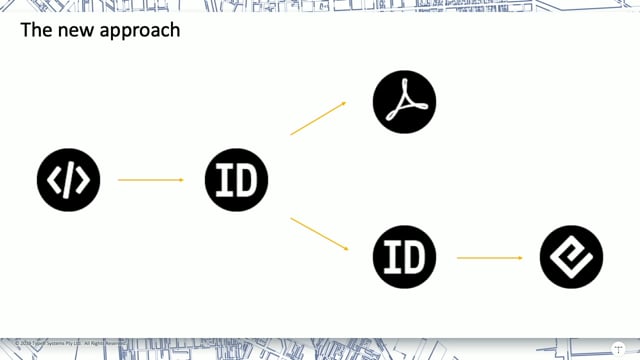
Typefi's Professional Services team is always looking for ways to help customers DO MORE. Solutions Consultant Marie Gollentz demonstrates a new EPUB workflow that allows users to create both PDF and EPUB from a single InDesign template.

Creating infographics with Typefi

Resource
Type: Presentations & Panels
  • Categories: Typefi Demo, Typefi Writer

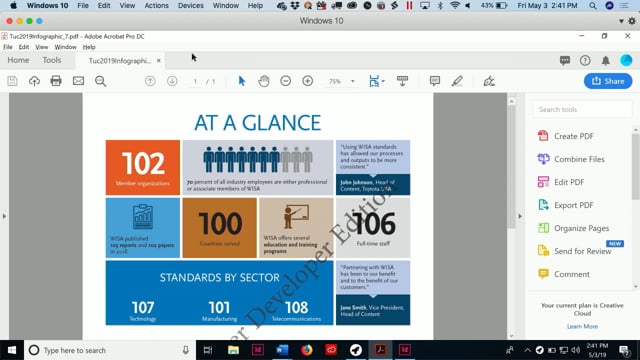
Typefi doesn't do infographics… or DOES IT? Typefi Solutions Consultant David Popham shows you how to automatically create a stylish infographic with Typefi Writer and a simple Typefi Designer template.

Hands-free Word to XML: Production’s Holy Grail

Resource
Type: Presentations & Panels
  • Categories: eXtyles, XML

Robin Dunford, Inera Senior Solutions Consultant, introduces eXtyles Arc, an intelligent hands-free solution that performs sophisticated, fully automated analysis of unstructured Word content to identify document elements and accurately convert them to full-text XML.

Hidden gems in Typefi 8

Resource
Type: Presentations & Panels
  • Category: Typefi Demo

Typefi Senior Solutions Consultant Guy van der Kolk shares some lesser-known Typefi 8 validation features, and demonstrates how to access the version history of your files in Typefi Server.

Standards and accessibility

Resource
Type: Presentations & Panels
  • Categories: Accessibility, Standards Publishing

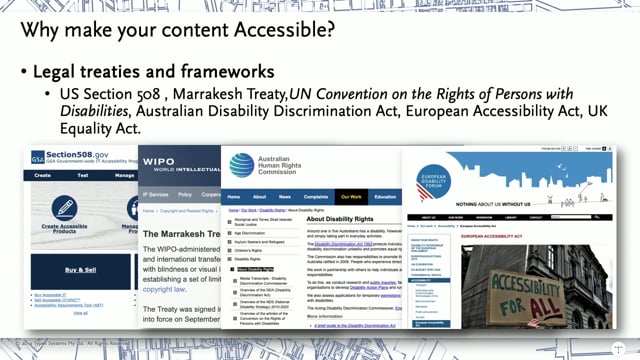
Creating your content in accessible formats makes it more usable for everyone! In this presentation, Solutions Consultant Damian Gibbs discusses the principles of accessibility. He also explains how Typefi can help customers produce content in accessible formats with minimal additional cost.

Paragraph shading in InDesign with Typefi

Resource
Type: Presentations & Panels
  • Categories: Adobe InDesign, Tutorial, Typefi Demo

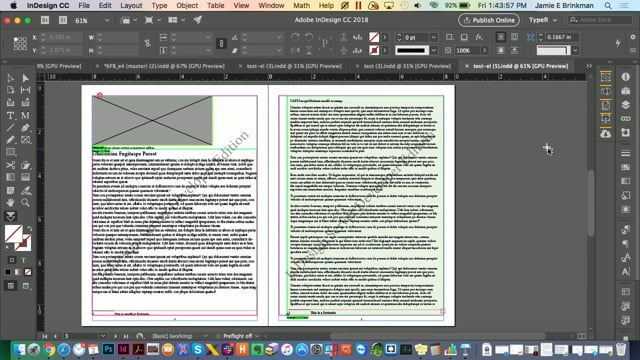
To create a box with a shaded background, Typefi users will generally create a Typefi Element. However, InDesign now offers some native features that allow users to achieve a similar effect using Paragraph Styles. Solutions Consultant Jamie Brinkman demonstrates both methods, highlighting the pros and cons of each.

InDesign scripts for math typesetting

Resource
Type: Presentations & Panels
  • Categories: InDesign Scripting, Math Publishing

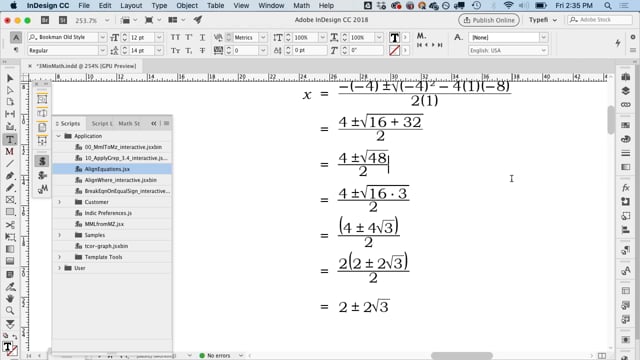
Math typesetting can be a drag, but you can make short work of it with movemen MathTools and some tricky InDesign scripts! Typefi Senior Solutions Consultant Eric Damitz demonstrates some of the math typesetting scripts that are available to Typefi customers.